
Workflow Automation
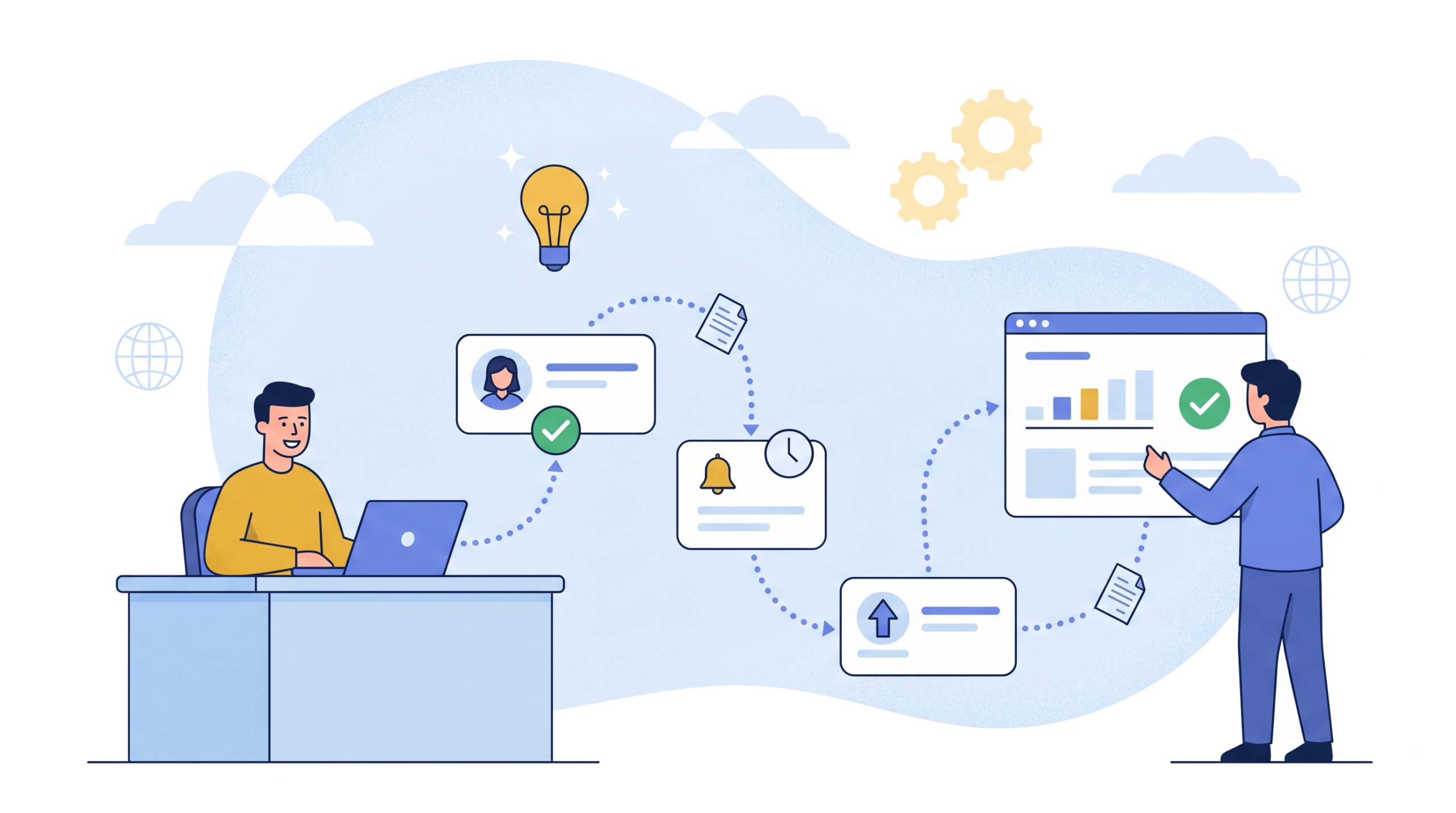
EvolveX Technologies provides workflow automation services that route requests to the right person, chase approvals, escalate anything that stalls and keep a timestamped record, so work moves without relying on someone noticing an email.
Here’s a situation most managers will recognise. Someone submits a purchase request on Tuesday. It sits in an inbox until Thursday because the approver was travelling. Finance doesn’t see it until the following week. By the time the order goes out, the supplier’s price has changed and the whole thing starts again.
Nobody did anything wrong, exactly. The process just relied on people noticing emails.
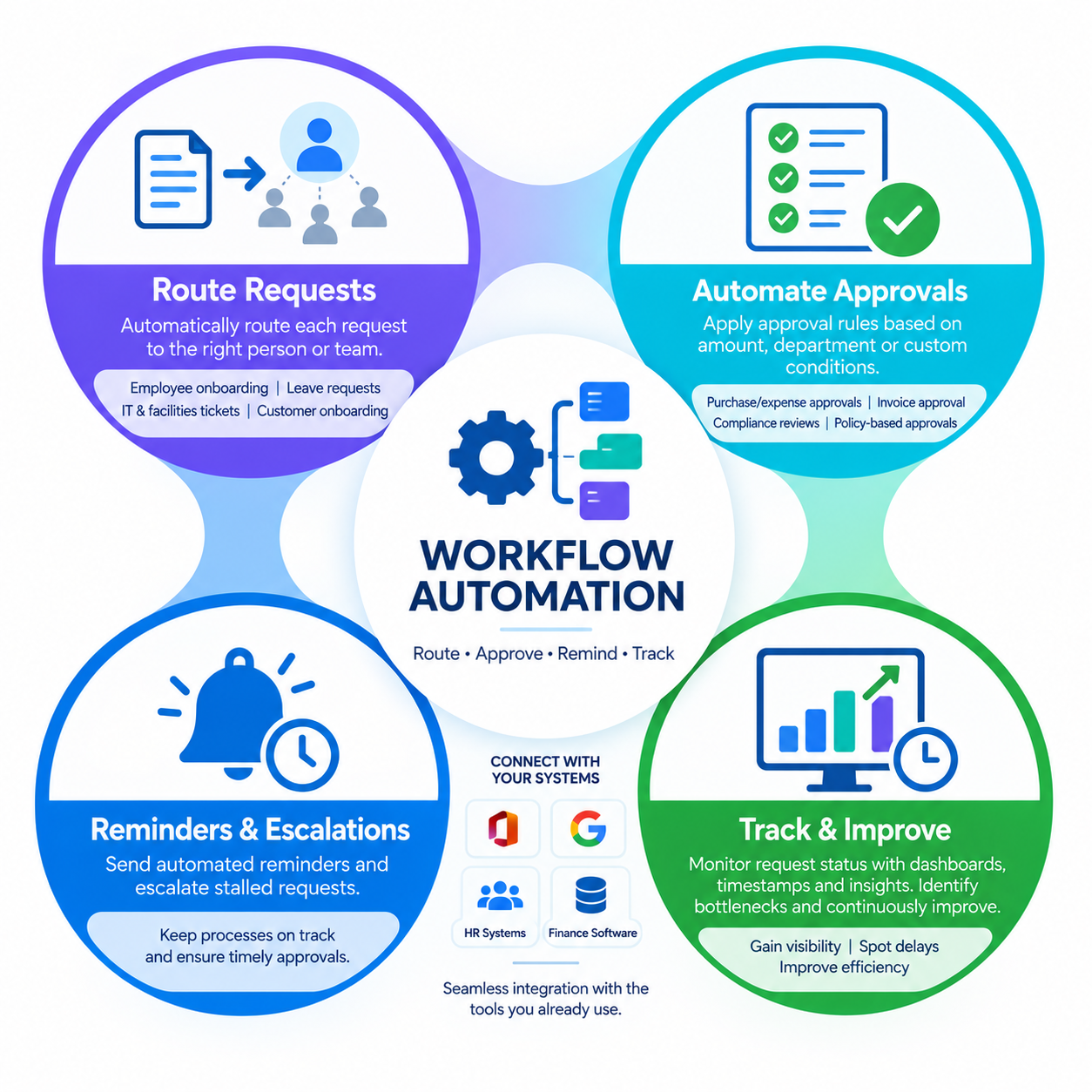
Workflow automation takes that reliance away. We map out how work moves through your business, then build automated workflows that route each request to the right person, remind them when something is waiting, escalate when it’s stuck and keep everyone in the loop.
What Is Workflow Automation?
Workflow automation is the use of software rules to move requests, approvals and tasks between people and systems automatically, so every step is routed, tracked and escalated without anyone forwarding emails. It covers approval workflow automation, task routing, notifications, deadlines and the audit trail that goes with them.
Every process has a path. A request comes in, someone reviews it, maybe a second person signs off, and something happens at the end (an order, a new account, a payment). Workflow automation writes that path down as rules the software follows every single time. Of all the areas of business process automation, it’s usually the quickest to pay off.
Anything over a set amount goes to the finance director. A new starter’s laptop request goes to IT the moment HR confirms the start date. No reply in two working days? The request moves up to the approver’s manager.
People still make the decisions. They just stop being the thing that carries paperwork from desk to desk.
Signs Your Approval Processes Are Struggling
You don’t need an audit for this. If staff regularly ask “has anyone seen my request?”, that’s a sign. Same if approvals take longer than the work itself, or if a key process lives in a spreadsheet one person maintains and nobody else fully understands. Retyping the same details into several systems is another. So is not being able to say, quickly, who approved a payment last March.
Most businesses have at least two of these going on. That’s normal, and fixable.
Business Processes Worth Automating First
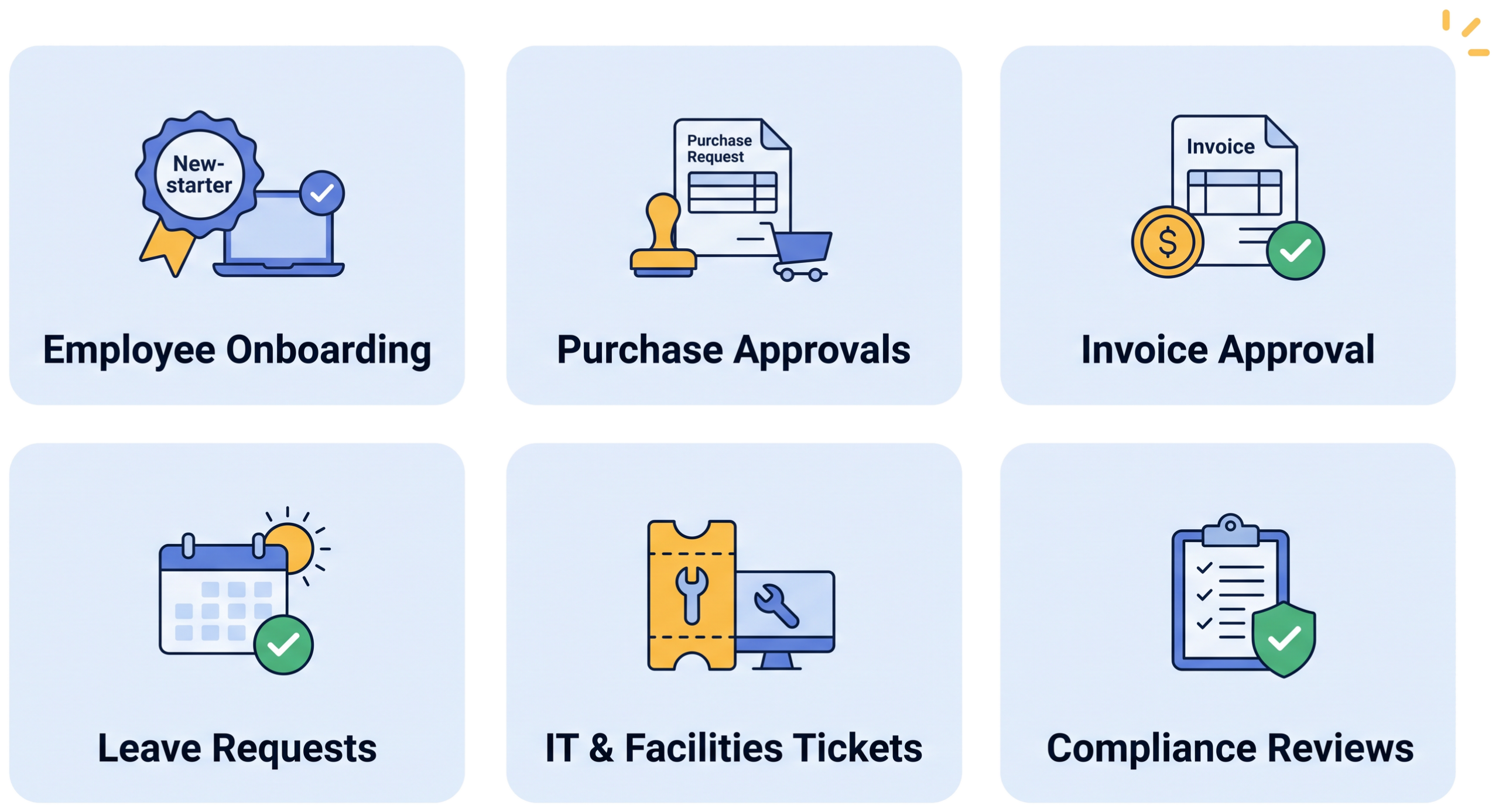
We usually suggest starting where volume is high and delays hurt. For a lot of clients that means employee onboarding: accounts, equipment, contracts and training booked automatically once a hire is confirmed, and reversed properly when someone leaves.
Purchase and expense approvals are another favourite for approval workflow automation, with an automated approval process that routes each request by amount or department. So is invoice approval, where supplier bills go to the right budget holder and get tracked until they’re paid. When those invoices arrive as PDFs or scans, intelligent document processing reads them first so the workflow starts with clean data.
We’ve also built business workflow automation for customer onboarding, leave requests, IT and facilities tickets, and scheduled compliance reviews that remind reviewers, collect sign-offs and keep the record. Many of these span industries from distribution to healthcare; the routing rules change, the approach doesn’t.
How We Build Automated Workflows
First rule: don’t automate a mess. If a process has pointless steps, automation just runs those pointless steps faster.
So we begin by talking to the people who do the work, not only the people who designed the process on paper. We write down what actually happens, workarounds included. Then we tidy it up. Drop the extra approval nobody needs, make it clear who owns what, fix the handoff that always breaks.
Only then do we build. We choose workflow automation tools that suit your setup (sometimes the right answer is Microsoft Power Automate, already sitting in your Microsoft 365 licence; sometimes a dedicated workflow automation platform fits better). Forms, routing rules, notifications, deadlines and escalations get set up, and the workflow is connected to the tools you use every day, whether that’s Microsoft 365, Google Workspace, an HR system or your CRM and ERP. Where a step means moving data between systems that don’t talk, RPA bots handle it. Your team tests it with real scenarios. After launch, dashboards show where requests slow down, and we adjust.
Where we can, we build on the workflow automation software you already own: Microsoft Power Automate in Microsoft 365, Google Workspace, and the approval features built into many HR and finance systems. When a process needs more than those offer, we recommend and build on a dedicated workflow automation platform, and we say so before any licence is bought.
Benefits of Workflow Automation
The benefits of workflow automation show up first in approval turnaround. Approvals that dragged on for a week often close in a day. Managers can see where anything sits without chasing. Data entered once gets reused, so there are fewer mistakes. And when an auditor asks who signed off, there’s a timestamped answer.
There’s a quieter benefit too. When the one person who “knows how it works” goes on holiday, the process doesn’t go on holiday with them.
And when a step needs judgement rather than a fixed rule, such as deciding which of three suppliers to use, agentic AI automation can take that step inside the same workflow. Our case studies show what that looks like in practice.
Workflow Automation Services from EvolveX Technologies
Our workflow automation services mix process consulting with actual delivery. We don’t write a report and disappear. We build the workflows, test them with your team and support them after launch. And we keep the scope sensible, starting with one or two processes, proving the value, then expanding.
Workflow Automation FAQs
What is the difference between workflow automation and business process automation?
Business process automation is the broad discipline of using software to run business processes. Workflow automation is the part that deals with routing, approvals, reminders and hand-offs between people: who sees a request, in what order, and what happens when nobody acts. It’s usually the fastest area of business process automation to show results.
Which processes should we automate first?
Start where volume is high and delays hurt: employee onboarding, purchase and expense approvals, invoice approval, leave requests and IT or facilities tickets are the usual candidates. Pick the one your team complains about most; that’s normally the right first project.
Do we need new software for workflow automation?
Not always. Many businesses already have workflow tools inside their Microsoft 365 or Google Workspace licences. We look at what you have before recommending a dedicated platform, and connect the workflow to the HR, finance, CRM and ERP systems you already use.
Will people lose control over decisions?
No. The rules decide who needs to approve and when to chase or escalate; people still make the actual decisions. Every action is timestamped, so you can always see who approved what and when.
How does a workflow automation project start?
With the people who do the work. We document how the process really runs, including workarounds, tidy it up, then build and test the workflow with real scenarios before it goes live. One or two processes first, then expand once the value is proven.
Is workflow automation the same as RPA?
No. Robotic process automation uses software bots to copy clicks and keystrokes on existing screens, usually to move data between systems that have no API. Workflow automation orchestrates the sequence: who needs to act, in what order, and what happens when nobody does. The two often work together, with a bot handling a data-entry step inside an automated workflow.
How much does workflow automation cost?
It depends on how many processes you automate, how many approvers and rules each one has, and how many systems need connecting. Building on tools you already licence, such as Microsoft Power Automate or Google Workspace, keeps the cost down, which is why we check what you own before recommending anything. We scope one or two processes first so you see the cost and the saving before committing further.
How long does it take to automate a workflow?
A single, well-defined process such as leave requests or purchase approvals is the quickest to deliver. The timeline grows with the number of steps, approvers and integrations involved, so we confirm it after mapping the process with your team rather than guessing up front.
Pick Your Most Annoying Process
Every team has one. Tell us which process frustrates yours the most, and we’ll walk through it with you and show how it could run on its own from start to finish. Contact EvolveX Technologies to book a call.